 Patchman
The toolkit / FIGUR FIGURBY PATCHMAN
FIGURBY PATCHMANRefine the portrait you pictured.
Make controlled portrait adjustments with shaping sliders and manual warp points. Compare the whole image against the original, refine nearby details and return to your saved project for another version.
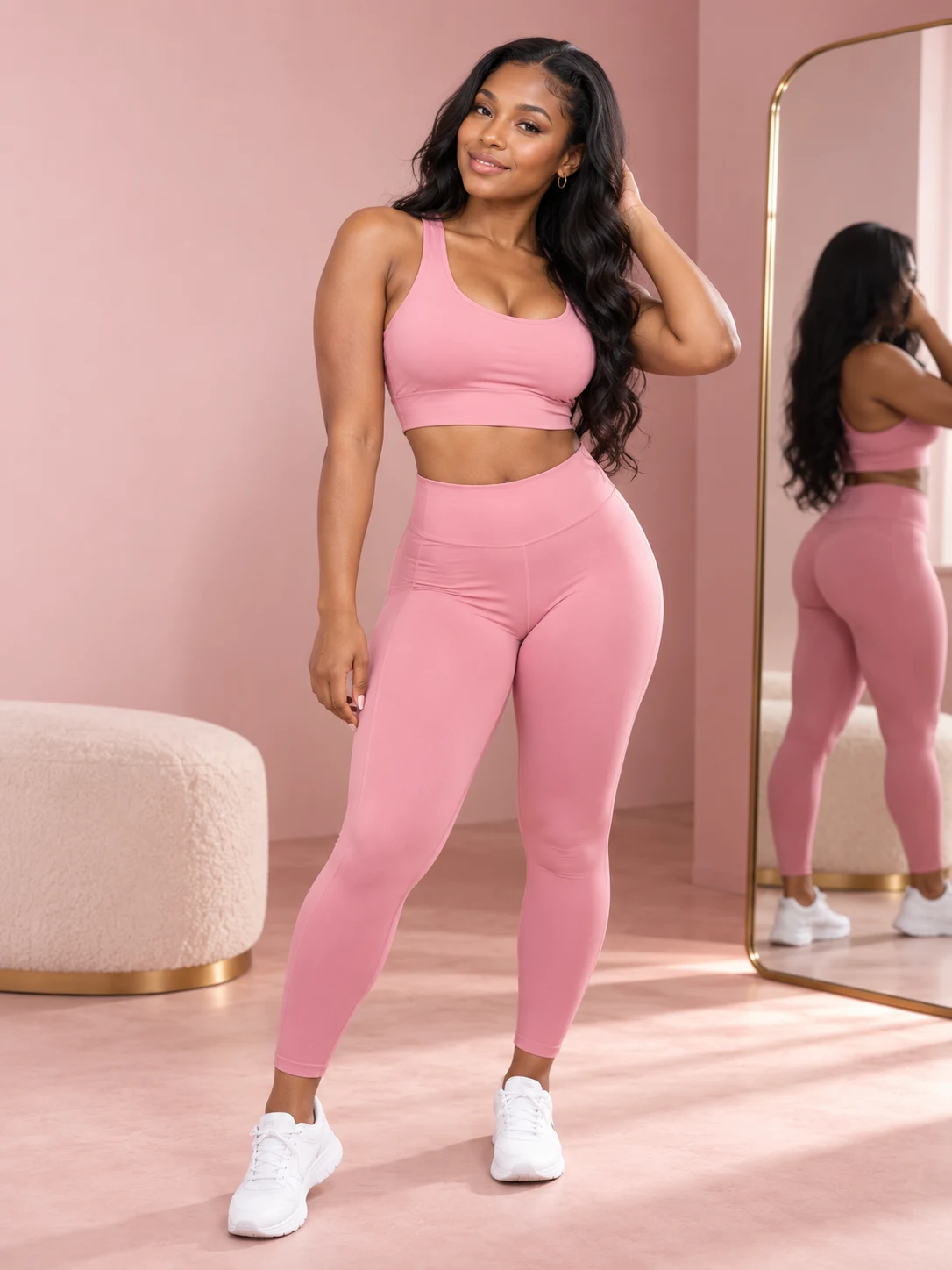
MAKE ROOM FOR THE GOOD PART.
A focused workspace.
A little more control.
Place manual shaping points and inspect detection overlays.
Compare the original, save the project and export your edit.
- Create a project and add your portrait.
- Refine one region at a time.
- Compare the result and download the finished image.
LEARN THE WORKFLOW
From the first step
to the finished file.
FIGUR · Tool guideRead guideFIGUR · Tool guideRead guideFIGUR · Tool guideRead guideFIGUR · Tool guideRead guideFIGUR · Tool guideRead guideFIGUR · Tool guideRead guideFIGUR · Tool guideRead guideFIGUR · Tool guideRead guideFIGUR · Tool guideRead guideFIGUR · Tool guideRead guideFIGUR · Tool guideRead guideFIGUR · Tool guideRead guideFIGUR · WorkflowRead guideFIGUR · Tool guideRead guideFIGUR · Tool guideRead guideFIGUR · Tool guideRead guide
Adjust the waist in a photo
A practical guide to the Waist controls in FIGUR.
Adjust hip shape in a photo
A practical guide to the Hips controls in FIGUR.
Use FIGUR’s bust control
A practical guide to the Bust controls in FIGUR.
Use the curve preset
A practical guide to the Curve controls in FIGUR.
Compare your original and edited photo
A practical guide to the Hold to Compare controls in FIGUR.
Reset an individual photo adjustment
A practical guide to the Reset controls in FIGUR.
Make a local adjustment with manual warp
A practical guide to the Manual warp controls in FIGUR.
Control the radius of a manual edit
A practical guide to the Radius and Alpha controls in FIGUR.
Re-detect the person in a photo
A practical guide to the Re-detect controls in FIGUR.
Inspect FIGUR’s detection overlays
A practical guide to the Overlays controls in FIGUR.
Zoom, pan and reset the photo view
A practical guide to the Canvas controls in FIGUR.
Download your edited photo
A practical guide to the Download Photo controls in FIGUR.
Edit and review a portrait
Prepare a controlled photo edit without losing sight of the whole image.
Understand FIGUR’s advanced slider ceiling
Learn the Slider ceiling option in FIGUR’s Advanced controls.
Clear manual shaping points in FIGUR
Learn the Clear points option in FIGUR’s Advanced controls.
Use FIGUR’s test pattern for manual editing
Learn the Load test pattern option in FIGUR’s Advanced controls.
Practical notes.
Follow the Figur walkthrough
Choose a portrait, save a Figur project, refine shaping controls and manual points, compare boundaries and export the result.