 Patchman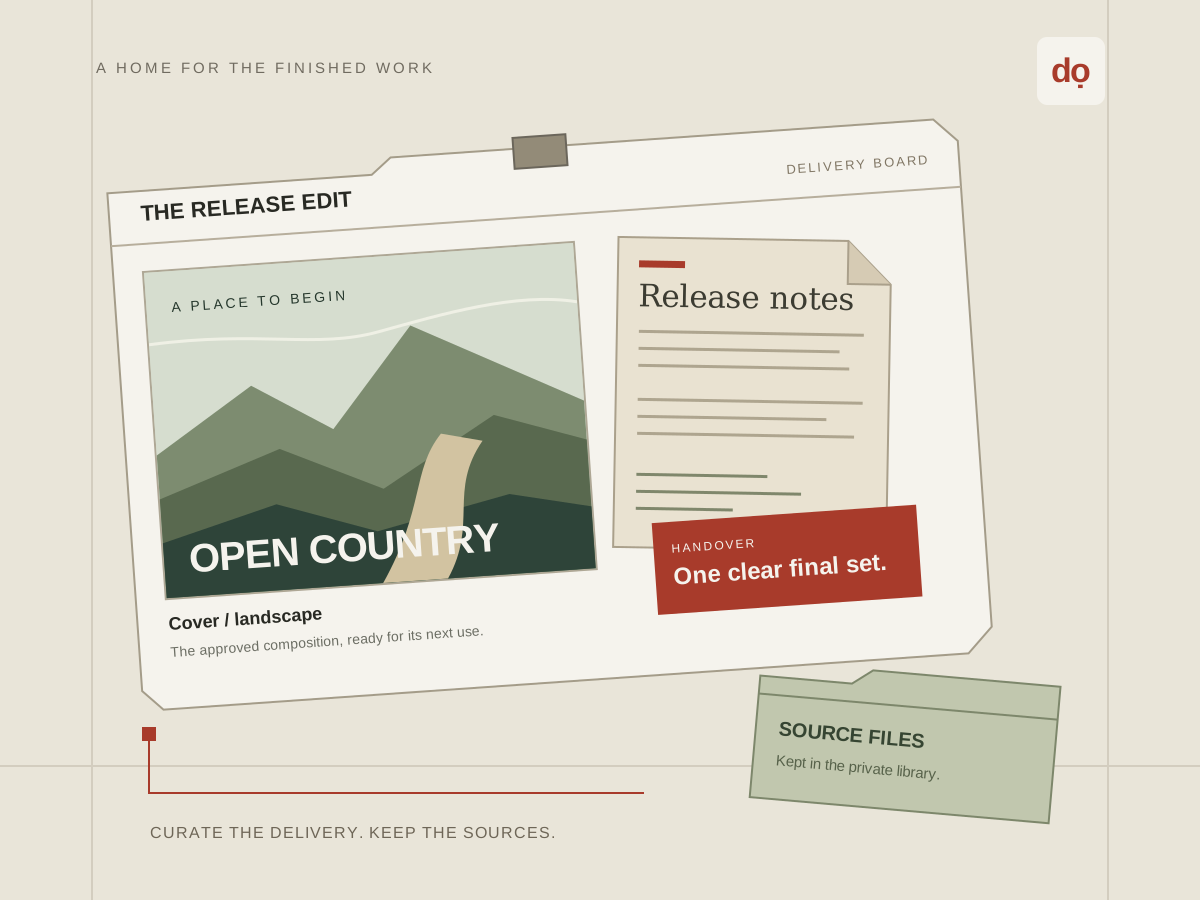
Choose a library structure before building a presentation
A file library answers where your work belongs. A board answers how selected work should be presented. Keep those purposes separate when organising a campaign, release or client project. A useful structure distinguishes source material, working versions and approved delivery files without making the whole project public.
For a music release, keep the master audio and editable artwork in a private working folder. Put the checked cover, final visual and delivery notes in an approved-export folder. Build the recipient’s board from the approved files. Naming folders this way records a human decision; a folder name alone does not grant or restrict another user’s access.
Start with a small set you can inspect. Use filenames that include a purpose and revision, such as cover-landscape-v03.png, rather than a succession of final-final names. Keep client details out of filenames when the name itself may be visible in a share or download.
Upload a source and verify the stored result
Use Upload in Dowe’s header, select the intended files and wait for completion. Inspect the resulting library entries and open a representative item. A filename in the interface does not establish that every byte arrived. If a request times out, inspect the library and error before submitting the same large upload again.
Dowe keeps the original file and, where a supported image can be processed safely, a bounded preview. A preview is a convenient representation rather than a replacement for the original. Documents and other formats can appear as recognisable file tiles even when the browser cannot render their contents.
Keep the source on your own device until you have verified the stored file and your recovery copy. File size, accepted types, processing limits and available storage apply to the actual upload. A visual board does not remove those limits or create another independent copy of its source.
Use folders for navigation and logical buckets for storage scope
Directory groups the owned library into folders, names, filters and selected items. Confirm the active folder and selection before moving or deleting a batch. Folders are organisational records; creating one does not allocate a new physical cloud bucket or choose a storage supplier.
Logical Dowe buckets serve the developer-facing storage interface. Ordinary library uploads receive a private default logical bucket, while developer buckets have their own policies and scoped credentials. Those buckets are different from the folders a person uses to organise a project.
The physical provider is selected when Dowe stores a file. Each file records its logical bucket and provider assignment. Reordering provider capacity later does not relocate files already stored. Read the storage architecture guide before designing a client integration around bucket placement.
Compose a board from owned files
Create a board for a specific audience or decision: approve a cover, choose a portrait, or download a delivery set. Add the owned files needed for that decision. Each pin references a file and stores its placement, dimensions, rotation and caption. The board is a presentation of those sources rather than another upload of their bytes.
Arrange the most important item first and use short captions to distinguish versions or intended placements. Keep a clear reading order instead of covering every available space. Inspect rotated items, edges and small captions at the size a recipient will actually see.
A board accepts up to 100 pins. That is a maximum, not a design target. Split a large archive into understandable boards and leave editable sources in the library unless the recipient needs them. Dowe verifies that referenced files belong to the board owner before accepting the composition.
Understand what publishing a board captures
Publishing a board share captures the board name, description and pin layout as a snapshot with references to the selected files. The working board remains editable. Do not assume a recipient’s existing link follows every later working-board edit.
When the approved delivery changes, review the revised board and create a new share. Use a clear delivery version in the title or accompanying message. Revoke an obsolete link where appropriate. This gives the recipient a deliberate, reviewable set instead of an unexplained moving target.
A snapshot of file references is not an immutable copy of all source bytes. Deleting a source can make related content unavailable, and replacing an underlying source can affect what a later fetch retrieves. Keep approved exports stable when they belong to an issued delivery and preserve independent backups.
Maintain the library without breaking a delivery
Before deleting a source, check the boards and shares that rely on it. Removing a pin from a working board is a layout change; deleting the underlying file affects its availability. Keep the approved delivery manifest so you can identify which exports are still in use.
Inspect recorded activity with context. A view does not prove approval, and a download does not prove that the recipient read the document or watched the whole video. Use a clear approval conversation alongside the delivery record.
For recovery, retain originals, editable projects, approved exports and the information needed to reconstruct the board. Storage gives convenient access; backup gives another route back after loss or an unwanted change. Periodically open a recovery copy instead of assuming that an archive is usable because it exists.
Build one complete handover
Try the music release workflow or client document handover with a small approved set. Continue to Dowe’s first-file walkthrough, or open Dowe and inspect your library before publishing.