 Patchman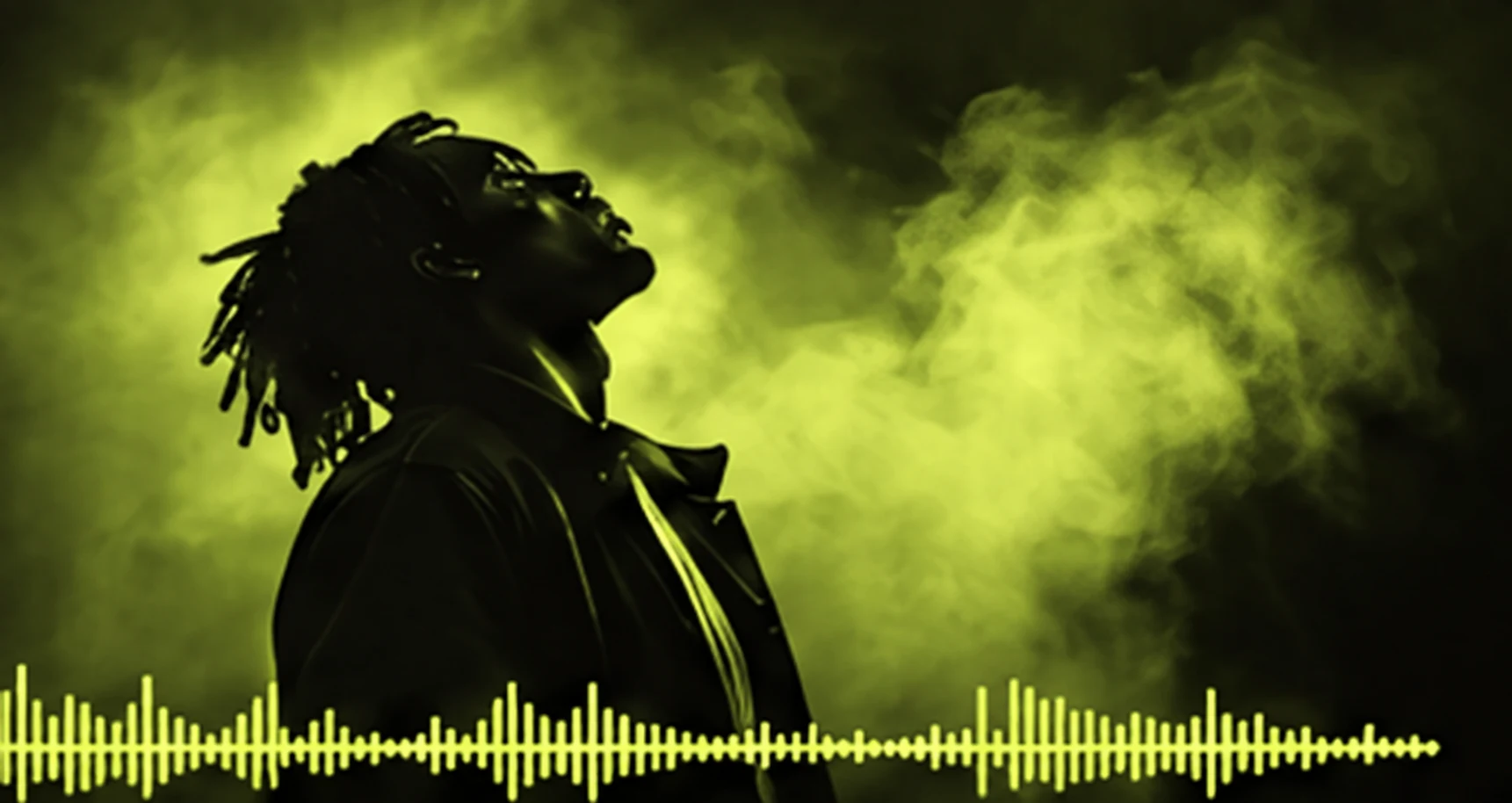
Prepare the sources and agree on the result
Start with the track you are authorised to release, the original cover image and a short list of destinations. Write down the image ratios, video lengths and title-safe areas those destinations need. A square cover, a landscape visual and a portrait excerpt solve different layout problems; agree on them before making several versions.
Keep a separate source folder containing the master audio, cover original and checked lyrics. Work from copies. If someone else supplied the artwork, confirm that your licence permits editing and use in the music video. This example is a practical production recipe, not a claim that the pictured assets form a released client campaign.
Bring these inputs
- A mastered track you can publish
- A licensed cover photograph
- Checked lyrics and a release brief
1. Outpaint: give the artwork its space
Open the cover image in Outpaint and set the output bounds before choosing a fill. Extend just the edges required for the landscape version, leaving room where the song title will sit. Reflection, stretch/blend, solid and transparent treatments serve different compositions; compare the result against the original rather than assuming a wider frame improves it.
Inspect the join at full size. Repeated faces, mirrored lettering and stretched objects are common reasons to choose another treatment or a tighter crop. Export the approved composition with a name such as release-cover-landscape-v02. Local generative extension labelled Coming soon is not part of this recipe; the deterministic tools remain usable.
2. Visualizer: let the track lead the motion
Export the artwork from Outpaint, then import that file and your track into a Visualizer project. This is an explicit file handoff. The apps do not silently move your project or inherit your private sources. Review the beat analysis, choose a motion treatment and add only lyrics you have checked against the actual recording.
Preview both a busy passage and a quieter transition. Check lyric timing, legibility, artwork crop and the final frame. Export the full visual, then make the selected excerpts in the intended ratios. Open each exported file to confirm audio, duration and framing; a good editor preview is not the same as a checked delivery file.
3. Dowe: keep the release pack together
Upload the approved video files, cover variations and delivery notes to Dowe. Keep editable sources private and give the final files clear purpose-based names. Arrange the approved cover and selected outputs on a board with short captions explaining which version belongs to which placement.
Create a sharing link only after deciding whether recipients need original downloads and when access should end. Review the published board itself. It holds a snapshot of the board layout and file references; later working-board edits should not be assumed to update an issued delivery. Publish a new reviewed share when the delivery changes.
Review the actual delivery
Use a final viewing pass with headphones and a phone-sized screen. Confirm that the full track remains intact, no clip cuts a lyric awkwardly, titles stay inside their safe area and the file names match the delivery notes. Check one download from the sharing destination before sending it.
Give the recipient a short manifest: full visual, portrait excerpt, landscape cover and any usage notes. State which version is approved. Dowe activity helps you understand recorded delivery, but a view count does not prove that someone has reviewed or accepted the creative.
The finished set
- Artwork framed for each placement
- A full music visual and selected short clips
- A private delivery board with approved exports
Keep access and costs deliberate
Review the cost information beside any paid action before starting it. A shared Patchman credit balance does not make every operation billable, and no credit amount is invented for this example. Export sizes, media processing limits and storage availability still apply to the selected tools.
Only upload the sources each app needs. A final video in Dowe does not require publishing its audio master or editing notes. Read the relevant privacy notice when using a processing feature and avoid including confidential lyrics or unreleased material in an unrestricted delivery link.
Revise the right step and keep a recovery copy
If an extension seam is distracting, return to the Outpaint project and revise the bounds or fill rather than repeatedly compressing an exported video. If lyrics drift, correct their timing in Visualizer and export a new version. Keep the previous approved file until its replacement has been checked.
If the wrong pack was shared, revoke the old link and issue a reviewed replacement. Revocation affects future access through Dowe; it cannot retrieve a file already downloaded. Retain an independent backup of the audio master and editable projects.
Make your version of this workflow
Start with a small, representative set of your own sources. Complete one checked handoff before expanding the batch. Keep the output from each app clearly named so you can return to the right project when something changes.
Continue with the detailed starting guide, review Dowe sharing and access, or browse more combined-app workflows.